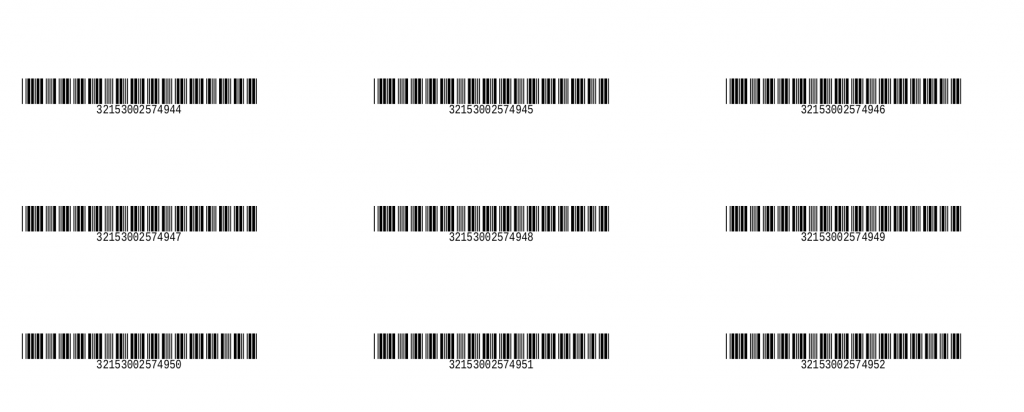
In the latest Koha 19.05 version, a new printing option was added to the label creator tool. From now on, you can select a range of barcode numbers (example: between 320000001 and 320000051).
1. Go to Tools › Label creator
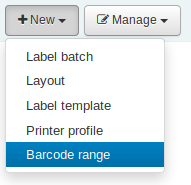
2. Click on “Add” and select “Barcode range”
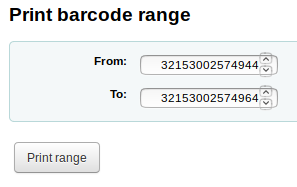
3. Select the printing range
from [first barcode] to [last barcode]
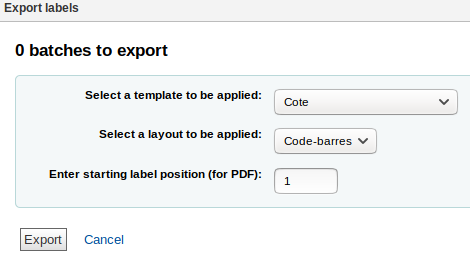
4. Select the “Template” and “Layout” of the label to apply, then select the label number (where to start the printing job on the page)